00 · Introduction
What HappierBiz is
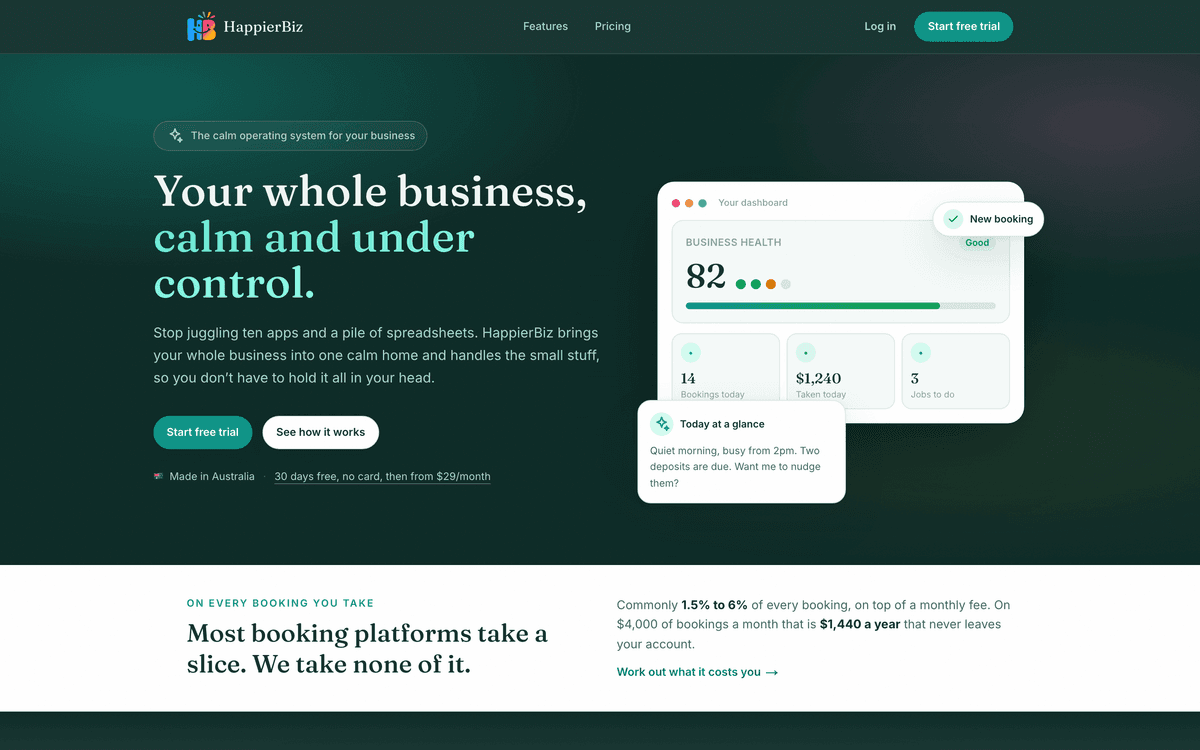
HappierBiz is an all-in-one operating system for a small business. Instead of juggling a booking site, a spreadsheet for customers, a separate invoicing tool, group chats, paper checklists and a whiteboard, HappierBiz puts all of it in one place, and lets you turn on only the parts you need.
The goal is simple: less stress, less repetitive work, better communication, and more time on the work you love.
Who it's for
HappierBiz suits almost any appointment-, class- or booking-based small business in Australia, for example cafés and restaurants, salons, spas and barbers, gyms and studios, clinics and allied health, trades, cleaners, pet groomers, tutors, party and function venues, and community halls. The sign-up wizard sets you up with sensible defaults for your trade, and you customise from there.
Three things that make HappierBiz different
It's modular. Every feature is a module with an on/off switch. A café turns on safety logs and rosters; a clinic turns on customer records and certifications; a venue turns on deposits and invitations. You never have to look at a tool you don't use.
Everything is yours to rename and re-price. Names, prices, labels, categories, time slots, roles and packages are all editable and stored against your business, not fixed in the software. If your trade calls a booking an appointment, a class, a party or a job, that's what the app calls it too.
It's built around your people. Beyond efficiency, HappierBiz includes tools for team communication, recognition and an anonymous wellbeing check, because the point is a happier team and a happier owner, not just a tidier business.
Key concepts and terminology
You'll meet these ideas throughout the manual. Learn them once here.
| Term | What it means |
|---|---|
| Workspace / business | Your business's own private space in HappierBiz. Each business is fully isolated, no other business can ever see your data. |
| Subdomain | Your workspace's web address, e.g. yourbusiness.happierbiz…. Your public booking site and your team's login both live here. |
| Module | A switchable feature (Bookings, Invoicing, Roster, Safety…). You enable modules in Settings, within the limits of your plan. |
| Plan | Your subscription tier. It controls which modules you're allowed to switch on. The defaults are Solo and Business. |
| Role | A named set of permissions (Owner, Manager, Supervisor, Staff, or your own). Each team member has a role. |
| Permission | A single fine-grained right, e.g. "Send marketing campaigns". Roles are made of permissions. |
| The back-office (Admin) | Where you and your team run the business. Everything in this manual under "Navigation: …" is here. |
| The public site | What your customers see, your booking page, an invitation/RSVP link, the unsubscribe page. |
| Experience | Anything a customer can book, a service, class, party, event or rental, with its own price, duration and rules. |
| Booking | A customer reservation. Renameable per business (appointment, class, party, job, lesson…). |
| Customer | A person who has booked or been invoiced. HappierBiz builds customer records automatically from bookings and invoices. |
What you need to use HappierBiz
- A modern web browser (Chrome, Safari, Edge or Firefox) on a computer, tablet or phone. There is nothing to install.
- An internet connection. (The check-in scanner and kiosk also need a device with a camera.)
- A HappierBiz account, see Getting started.
How to read this manual
If you're brand new, read the four foundation chapters in order, then jump to the module chapters for the tools you've switched on. If you're training staff or supporting users, each module chapter is self-contained and can be used on its own.